

Digital Marketing · January 24, 2023
After Effects Template: Dynamic Opener for Social Media Post
Hi! In this post we're sharing a free After Effects template that will let you create a dynamic opener for your social media posts. The template is available for the…
Hi! In this post we're sharing a free After Effects template that will let you create a dynamic opener for your social media posts. The template is available for After Effects CC 2018 and later versions.
What type of project can you use this free After Effects template for?
It's perfect for creating short-format videos that fit right into your Instagram, Facebook, and other social media profiles. It's also ideal for online course advertising, branding, event marketing, and much more.
Here are some of the features of this free After Effects template:
- Duration: 00:00:23
- Resolution: 1080 x 1350
- Easy to customize
- No add-ons or plugins required.
Check out the preview of the final project in the video!

If you want to customize the free After Effects template, follow these simple steps:
1. Import the images
Import the images you're going to use: right-click in the project area, then Import > File.

2. Modify the color and text of each scene
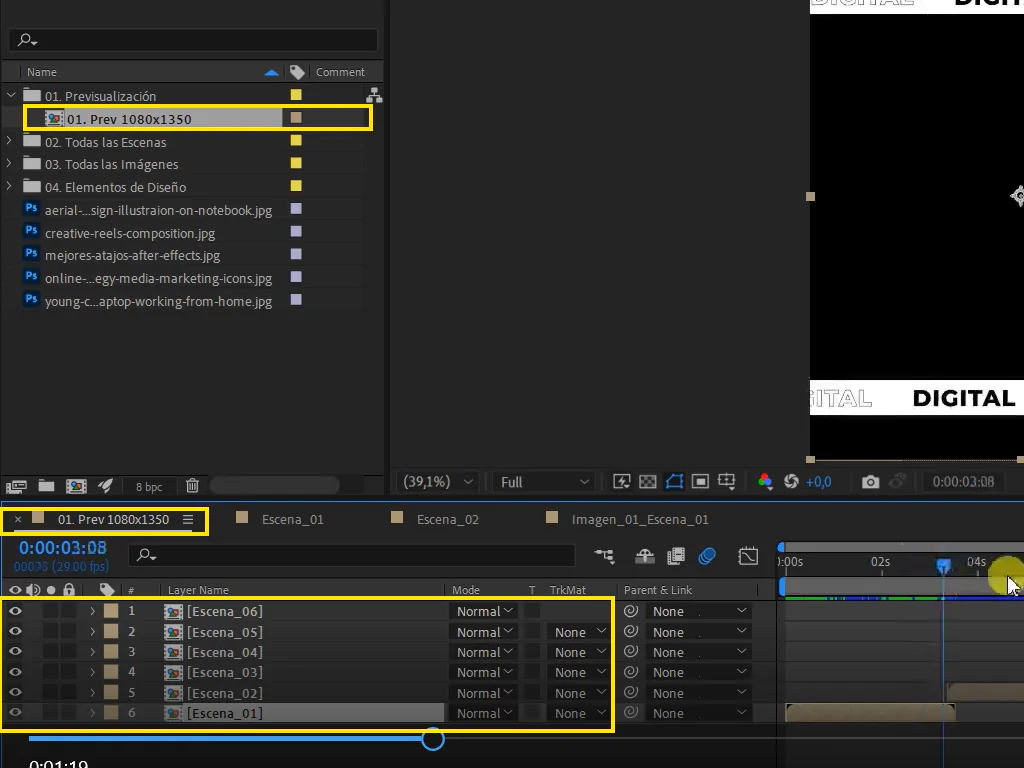

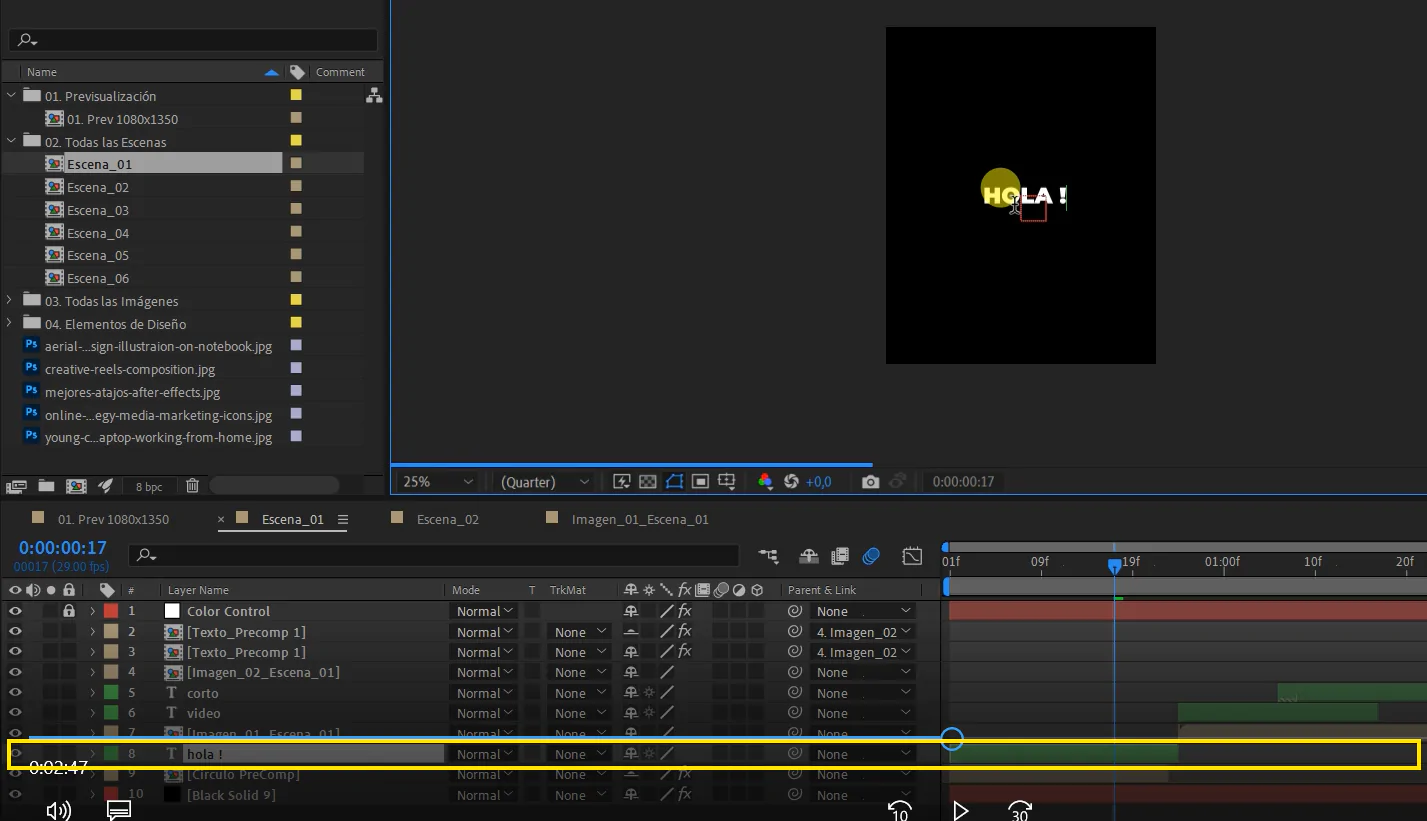
There are 6 scenes in total. Edit each one individually: in the "color control" layer, you modify the background color and the respective elements of each scene.
To edit the text, locate the text layers for each scene and modify them by double-clicking on them.
Keep track of the timeline each layer is on, so you have full control and awareness of what you're modifying.
3. Place the images
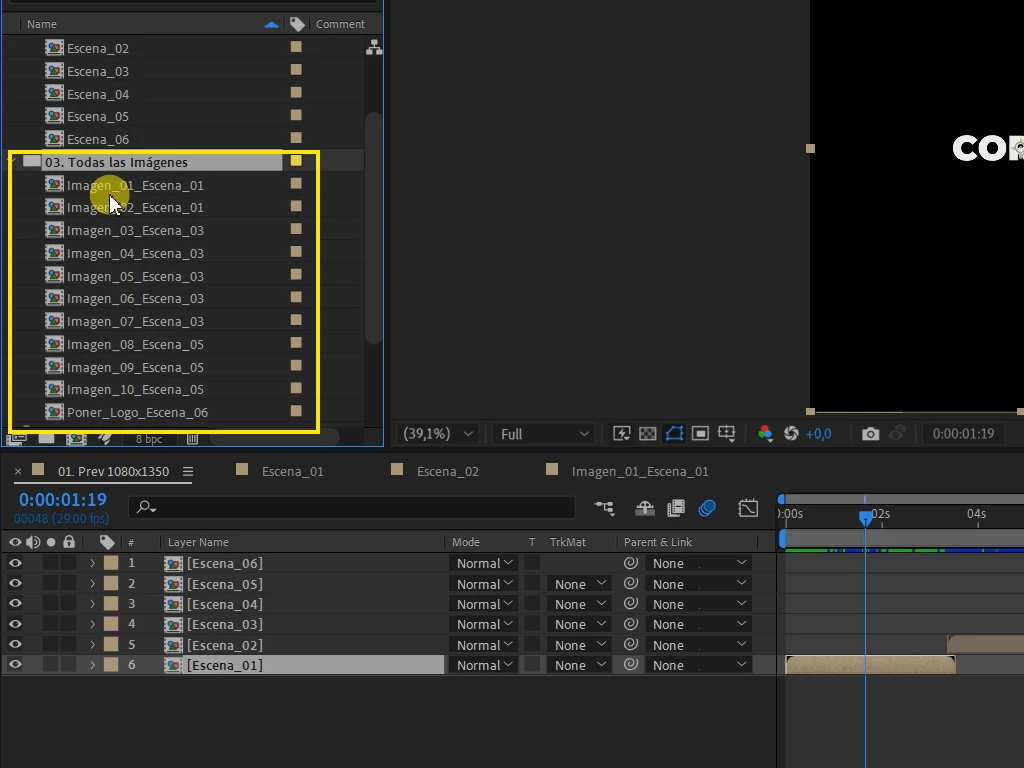
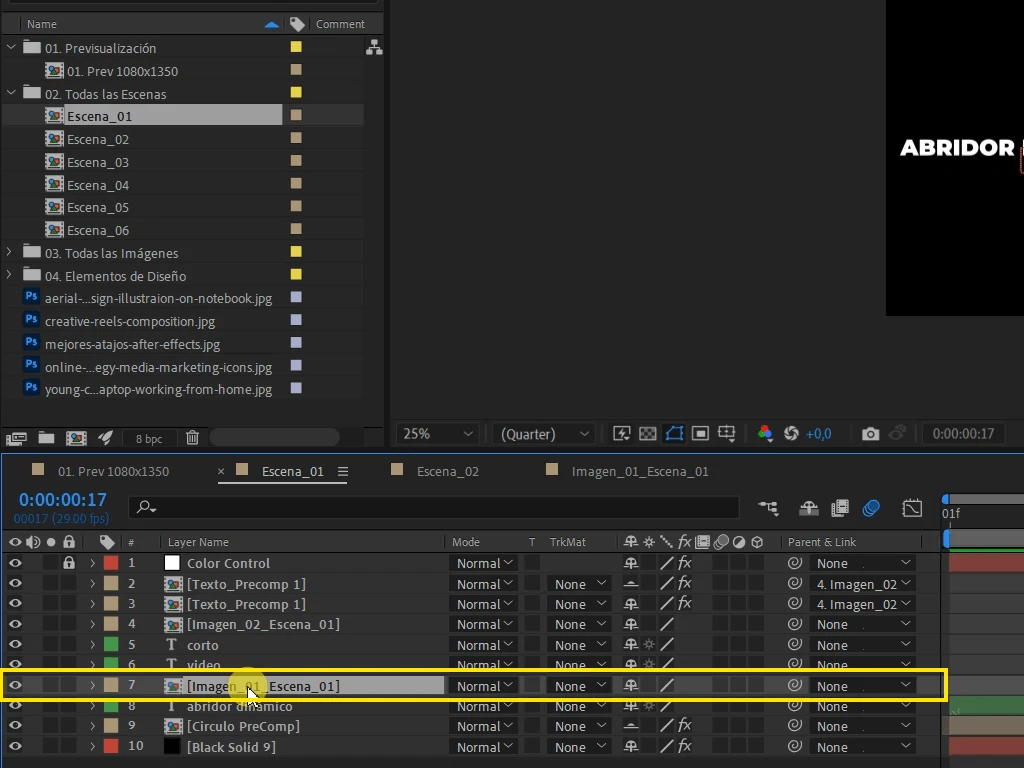
You can go directly to the "03. All images" folder in the project workspace. You can also go to the specific scene and double-click on the reference layer "Image."
All layers are named and numbered chronologically.
4. Export/rendering:
Export or render your project in the format of your choice. Rendering for this design is light and fast!
Download the free After Effects template from the link below:
https://bit.ly/PlantillaAEAbridorDinamicoPost
If you have any questions about this free After Effects template, feel free to leave a comment. Thanks for reading!